Smart collection migration
Move your collection without starting over.
Choose your current collection tracker, upload its export and follow a guided review. The Game Project translates your records and helps match your games along the way.
Find your migration path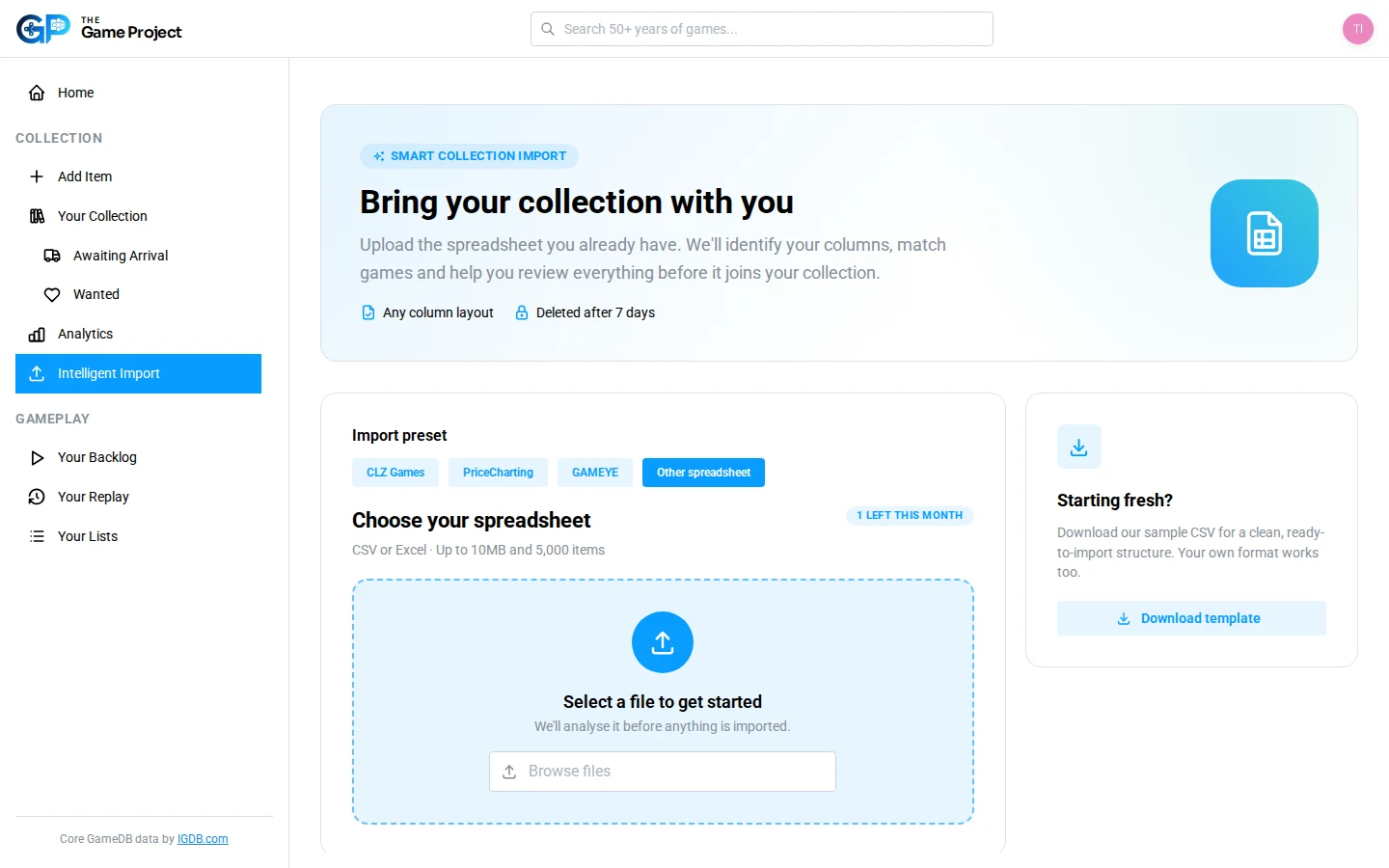
Migration presets
A straightforward move from your current tracker.
Select where your collection lives today. Each migration path understands that platform’s format and guides you from export to a reviewed TGP collection.
CLZ Games
Move detailed collection records using CLZ XML or a configurable CSV export.
Move from CLZ Games Migration presetPriceCharting
Bring across ownership, quantities, purchase costs, folders and grading details.
Move from PriceCharting Migration presetGAMEYE
Translate ownership, condition, purchase prices, regions, notes and tags.
Move from GAMEYEYour own spreadsheet
Migrating from CSV or Excel?
Smart Import suggests how your columns fit into The Game Project, then gives you control over the mapping and game matches.
- Import up to 5,000 collection items at a time
- Suggested column mappings for your spreadsheet
- Automatic game and platform matching
- Review and refine the import as many times as you need
Join the beta for free
Bring your collection with you.
Choose your current tracker or migrate the spreadsheet you already maintain.