Group games around any theme, recommendation or goal.
Video game backlog tracker
Turn a big game backlog into a plan.
Prioritise what to play next, track games as you play, pause or finish them, and keep the history after the credits roll.
Start planning your backlog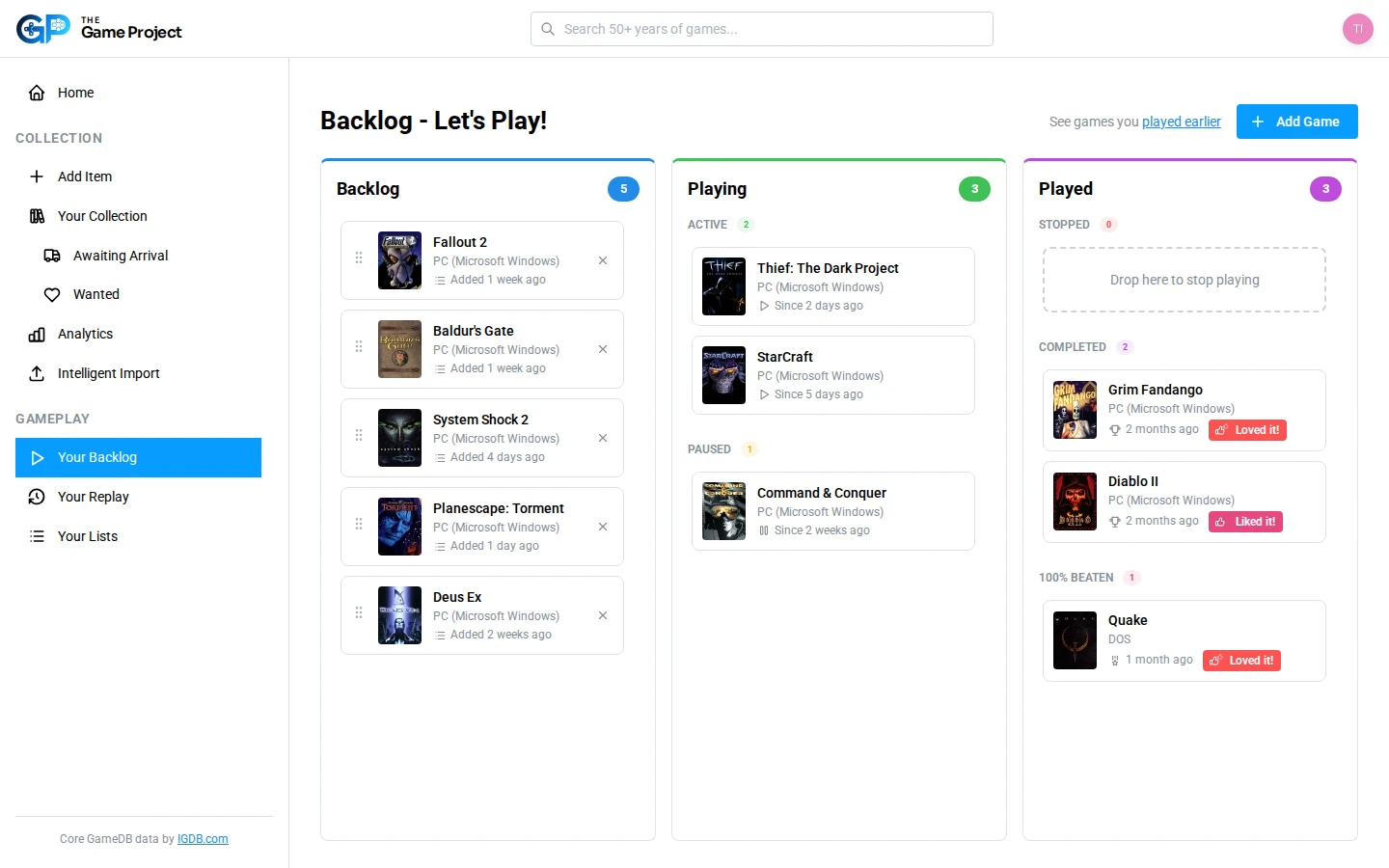
Steam integration
Connect Steam. Keep your backlog and play history current.
Link your Steam account to bring in your owned games, lifetime playtime, achievements and recent activity. The Game Project checks for updates every day, keeping your gameplay history and backlog status in step with what you play.
Start free and connect SteamThe Game Project is not affiliated with or endorsed by Valve Corporation. Steam is a trademark of Valve Corporation.
Steam
- Import owned games and lifetime playtime
- Turn recent activity into play-history entries
- Use eligible achievements to recognise completions
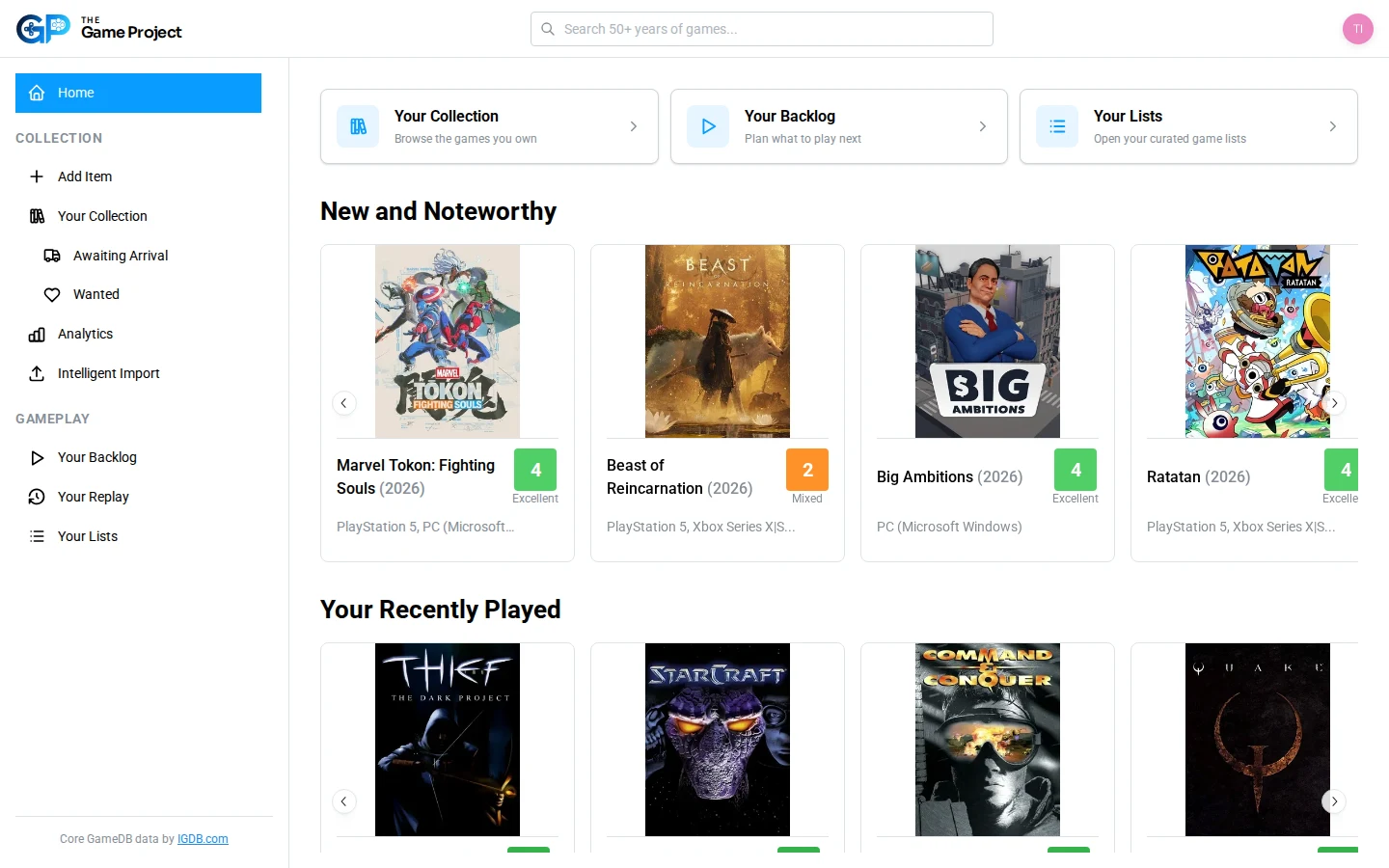
Choose what to play next
Replace choice paralysis with a short list.
Set priorities, move games through clear playing states and keep a focused Up Next queue when the full backlog feels overwhelming.
- Backlog priorities
- Playing, paused, stopped and completed states
- Recently acquired unplayed games
- Personalised picks from your collection
Keep your play history
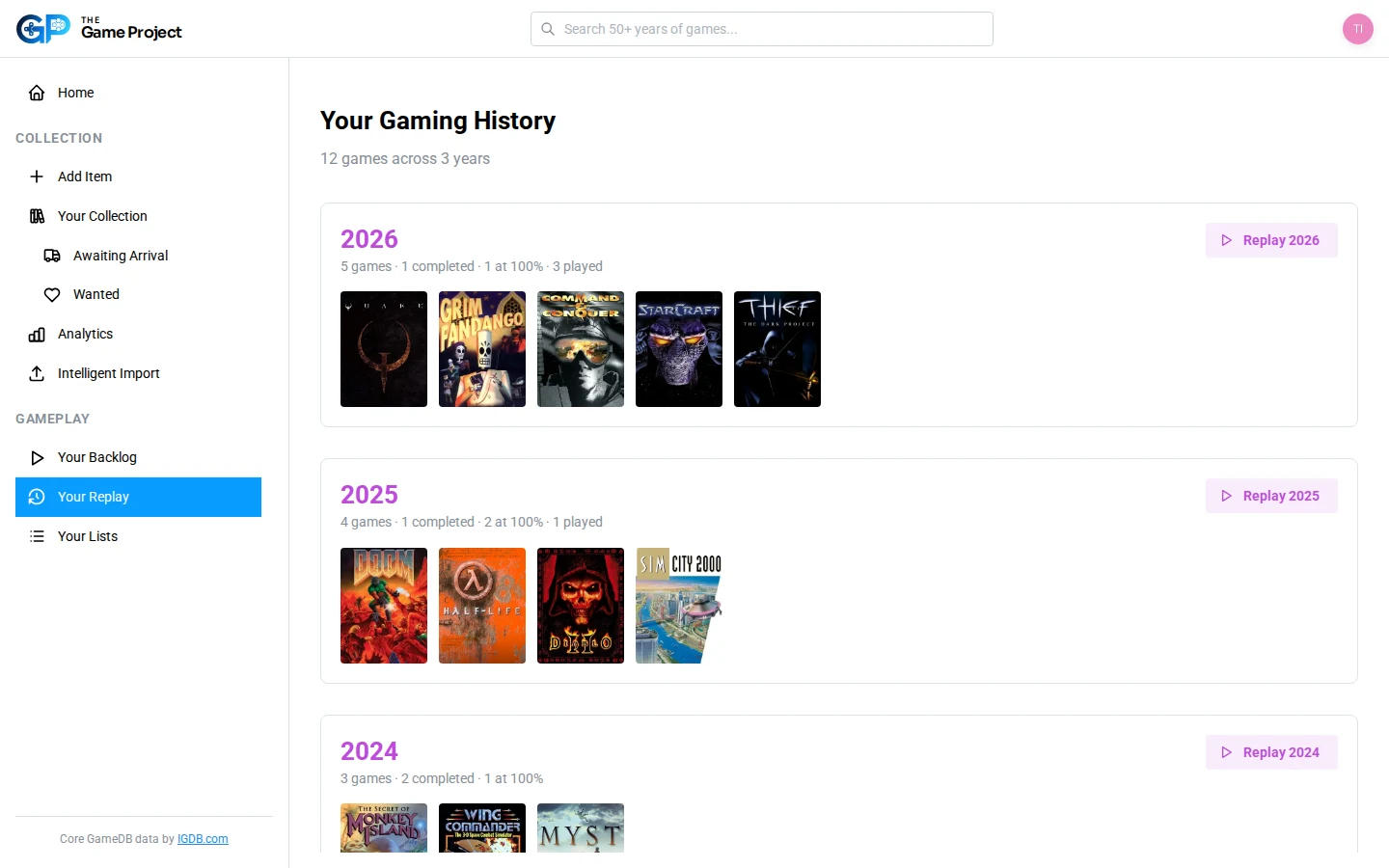
Remember what you played each year.
Record sessions and completions against the right game and platform. Yearly Replay turns that history into a summary you can revisit.
More ways to organise
Build lists around the games that matter to you.
Keep local co-op favourites, recommendations, personal rankings, challenges or the next retro series you want to explore.
Explore releases, platforms, companies, media and critical context.
Connect sessions and completions to the version you actually played.
The best backlog is the one that brings you excitement and anticipation.
Join the beta for free
Choose the next game in your backlog.
Organise what you want to play, then keep a record of what you finish.